 Inkwell
Your scripts,
in your pocket.
Inkwell Reader is a clean, fast screenplay reader for iPhone. Open a script, read it the way it's meant to be read, and jump to any scene in a tap. No account needed to read.
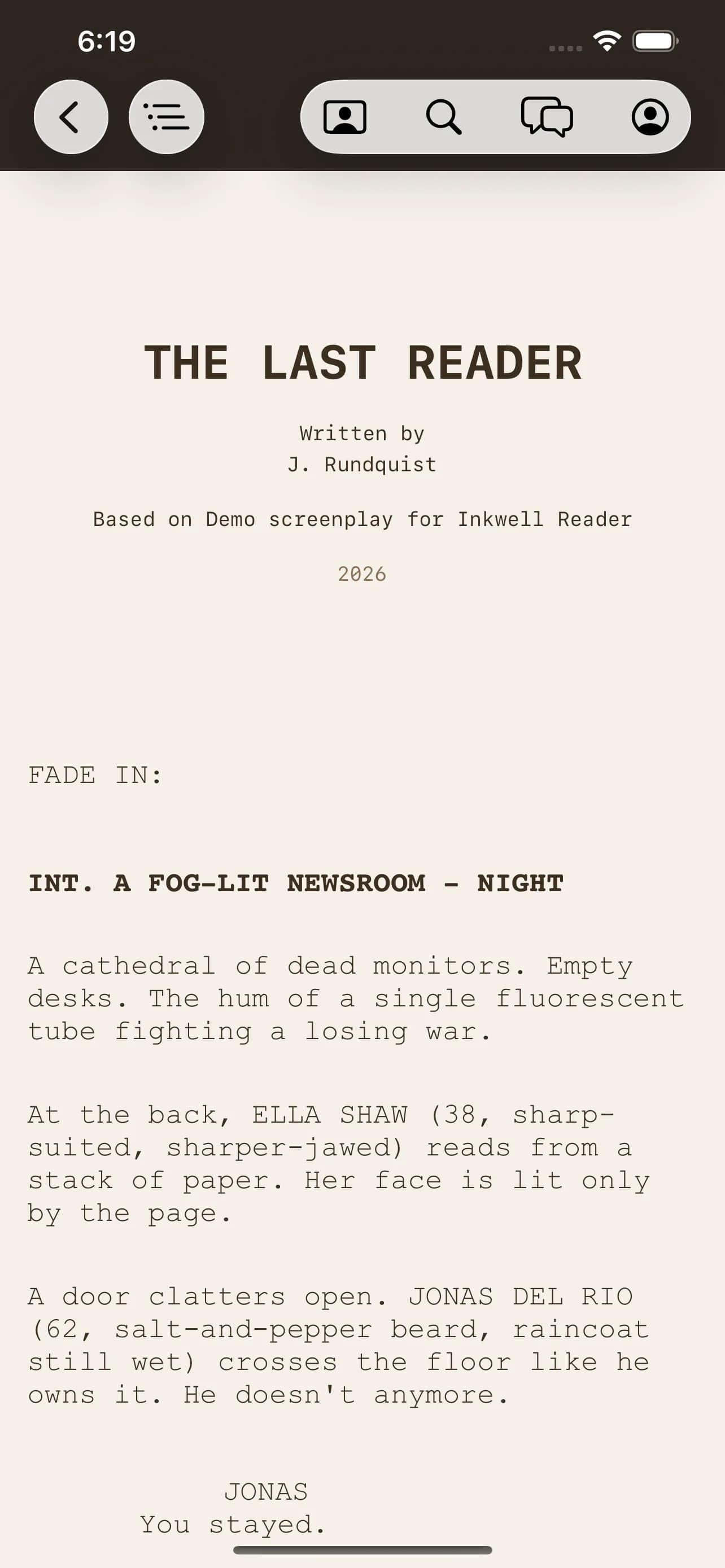
A real script reader for iOS.
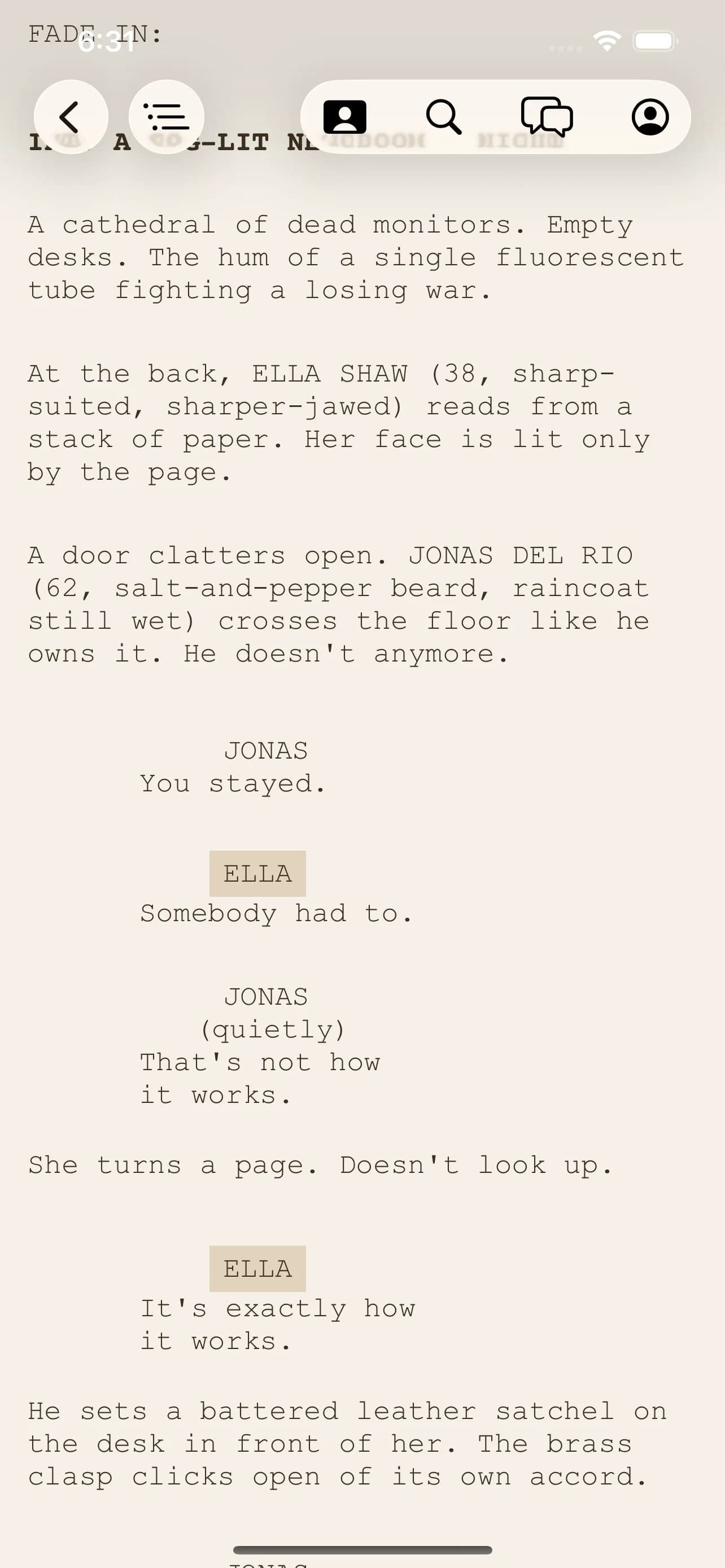
Open .ink, Fountain, and PDF scripts. Pages are laid out the way they're meant to be read: correct margins, scene numbers in the gutter, dialogue where it belongs. Sized for the screen in your hand.
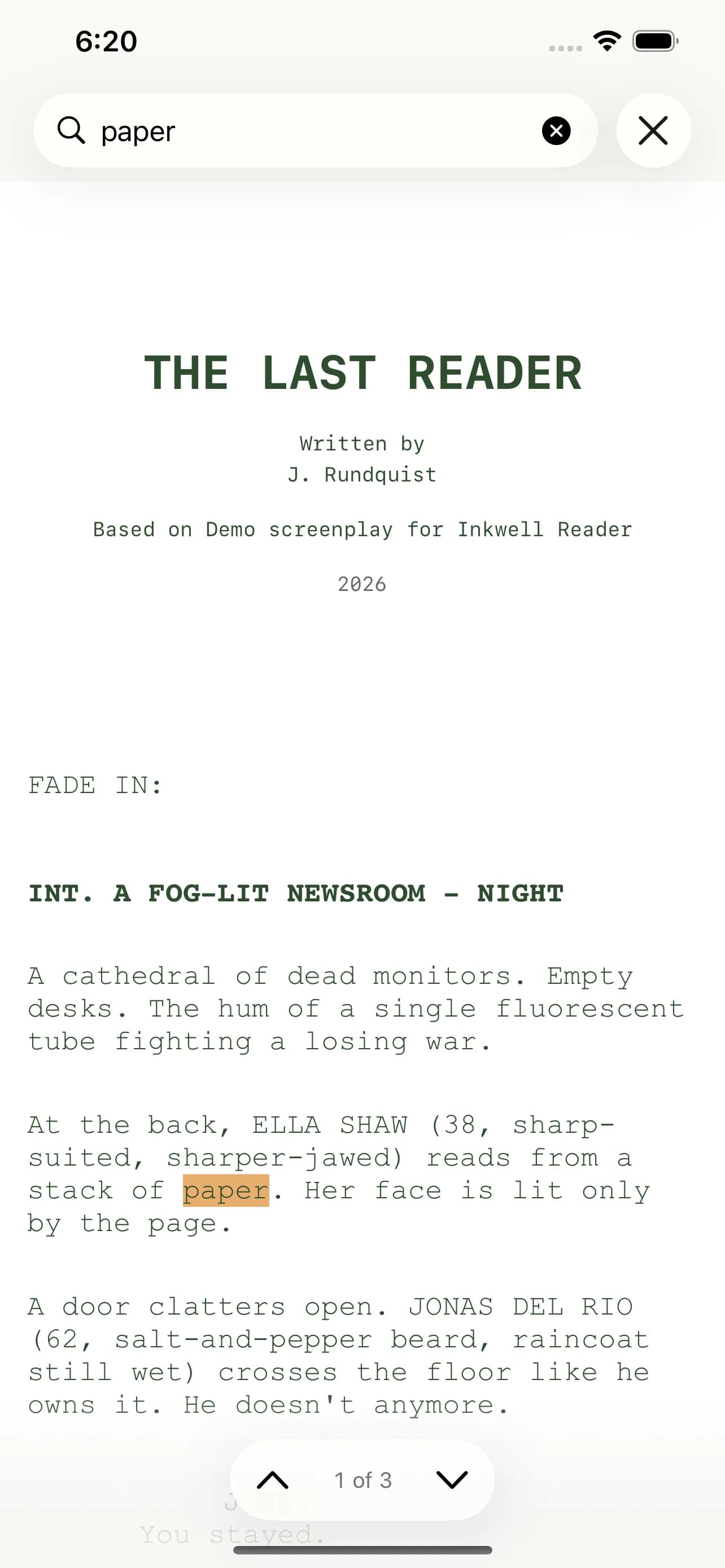
Find anything fast.
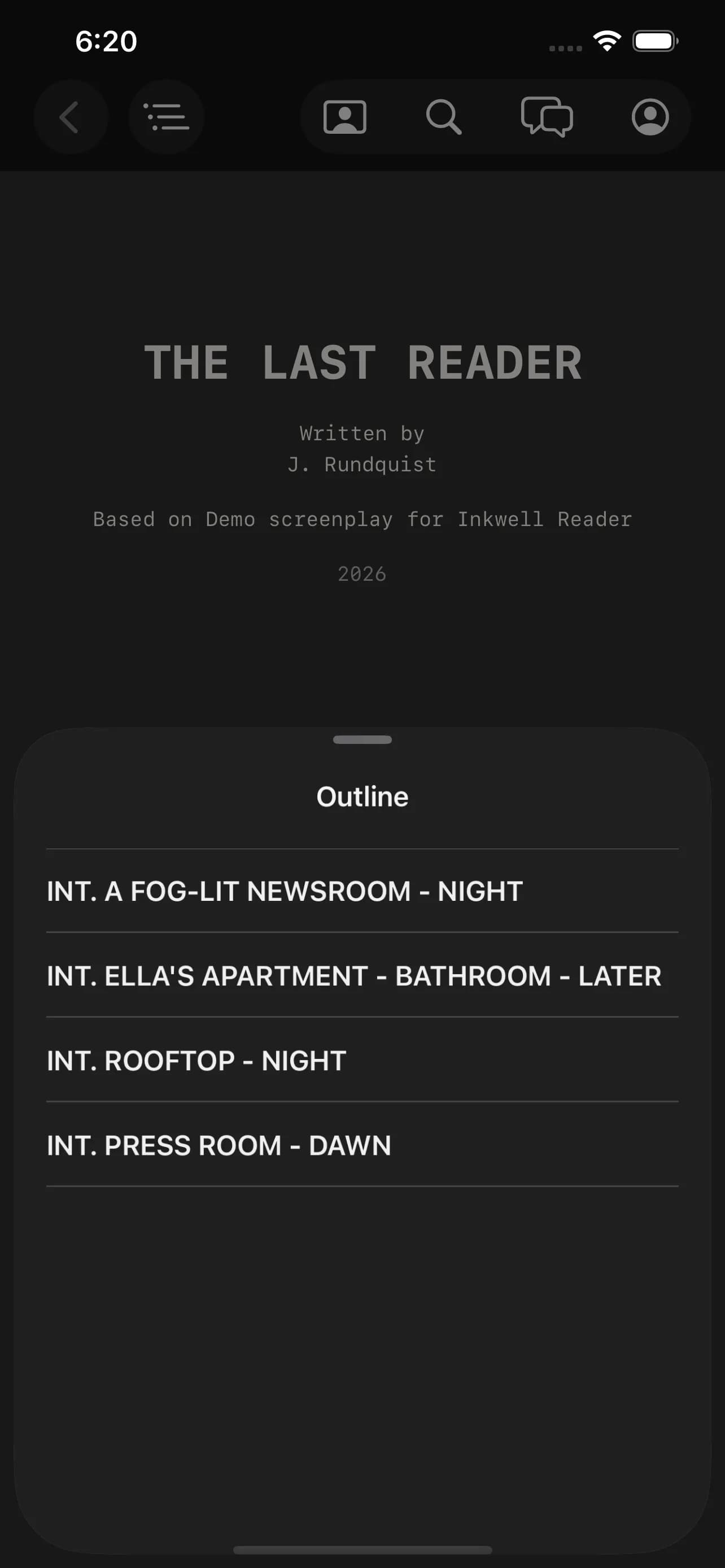
Full-text search across the whole script, plus a scene jump-list that puts page 47 one tap away. Search dialogue, action, or a character name and land exactly where you meant to.
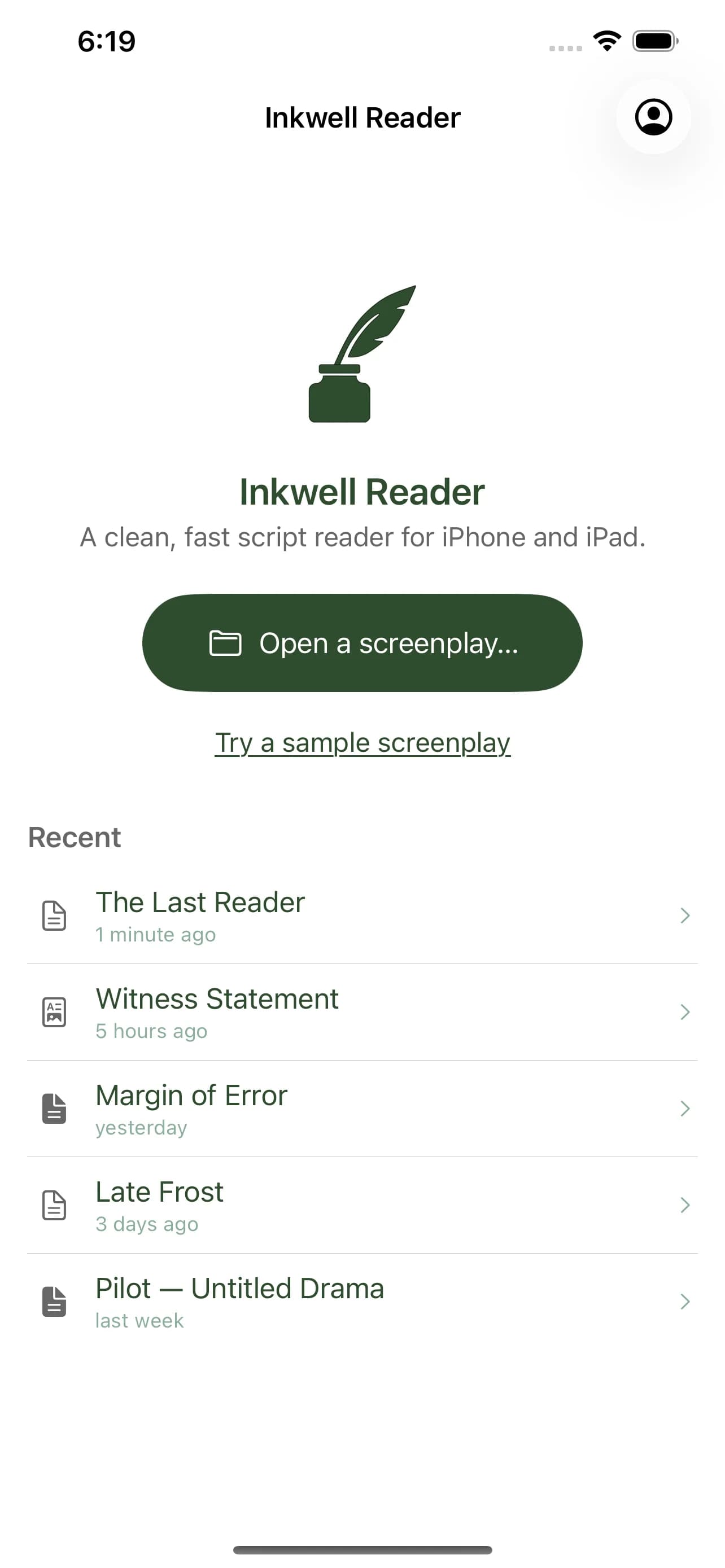
Reads on a plane.
Scripts live on-device. No spinner, no sync prompt, no signal required. Pull a script up at 38,000 feet and it's simply there, in your library and ready to read.
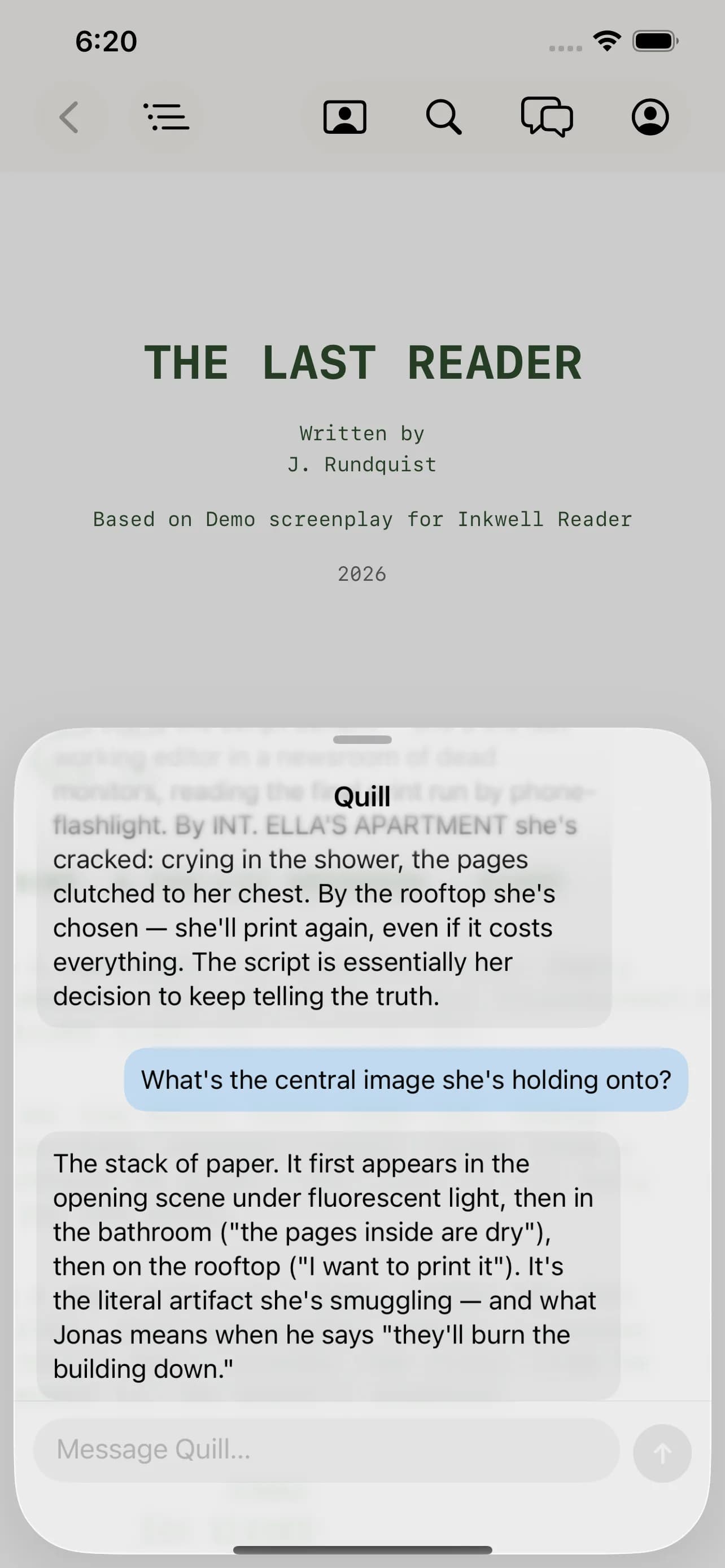
Quill rides along.
Sign in and your writing partner comes with you: review structure, search for a scene, or talk through a tricky beat right beside the pages. No account needed to read, and Quill stays a suggestion you choose to use.
Sides, highlighted for you.
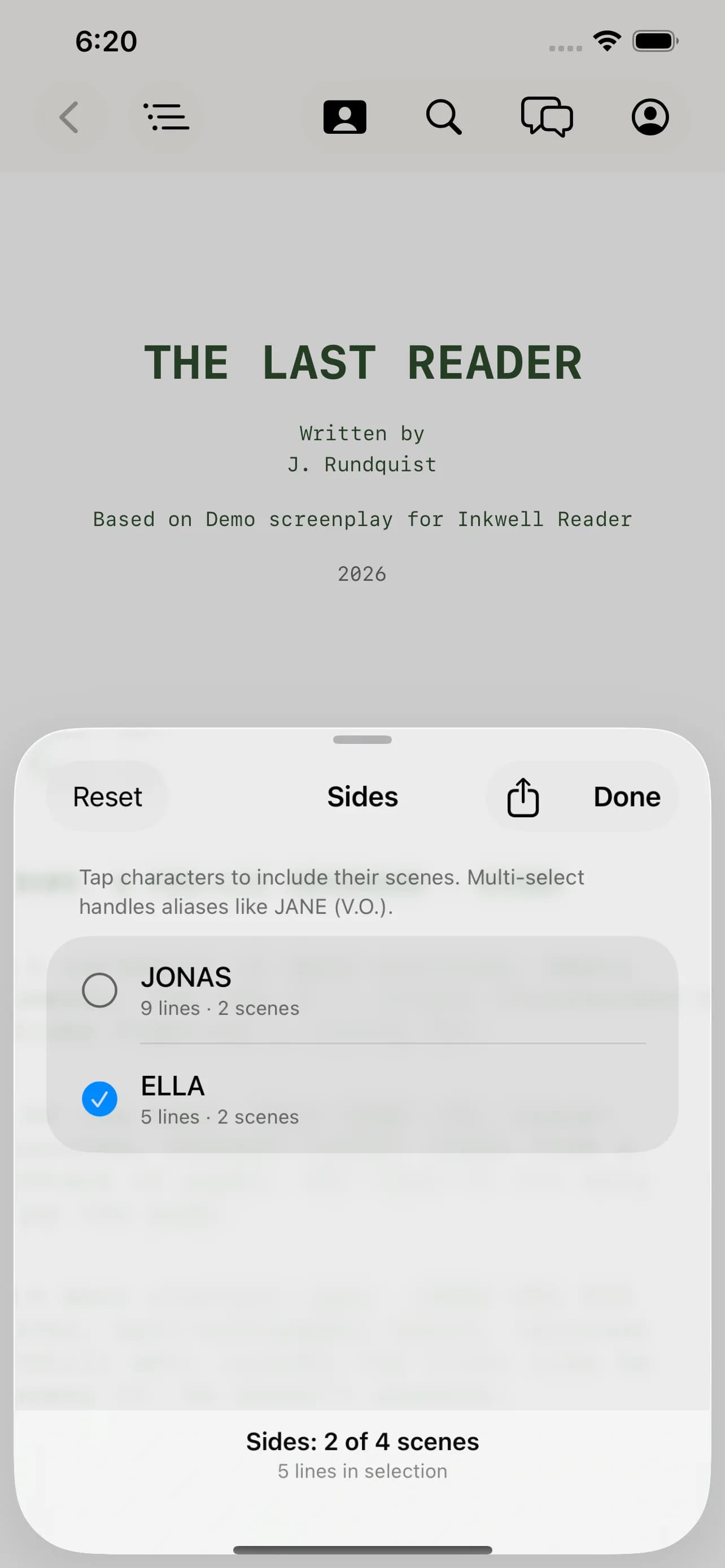
Tap a character to bold their cues and light up every line they speak. Made for memorizing lines, rehearsals, and table reads, without leaving the script you're already reading.
Set the page the way you read.
Light, sepia, and midnight reading themes, the outline drawer for two-up navigation, and the same script wherever you open it.
Your next read is already in your pocket.
The Reader ships with anonymous usage analytics enabled by default. You can turn them off anytime in Settings → Privacy.